Organise your tasks, every day. Your way.
I built this for myself. I like it. I like the Omarchy plugin. This is the age of AI — anyone with a little grind can build this, or better. You are welcome to have it.
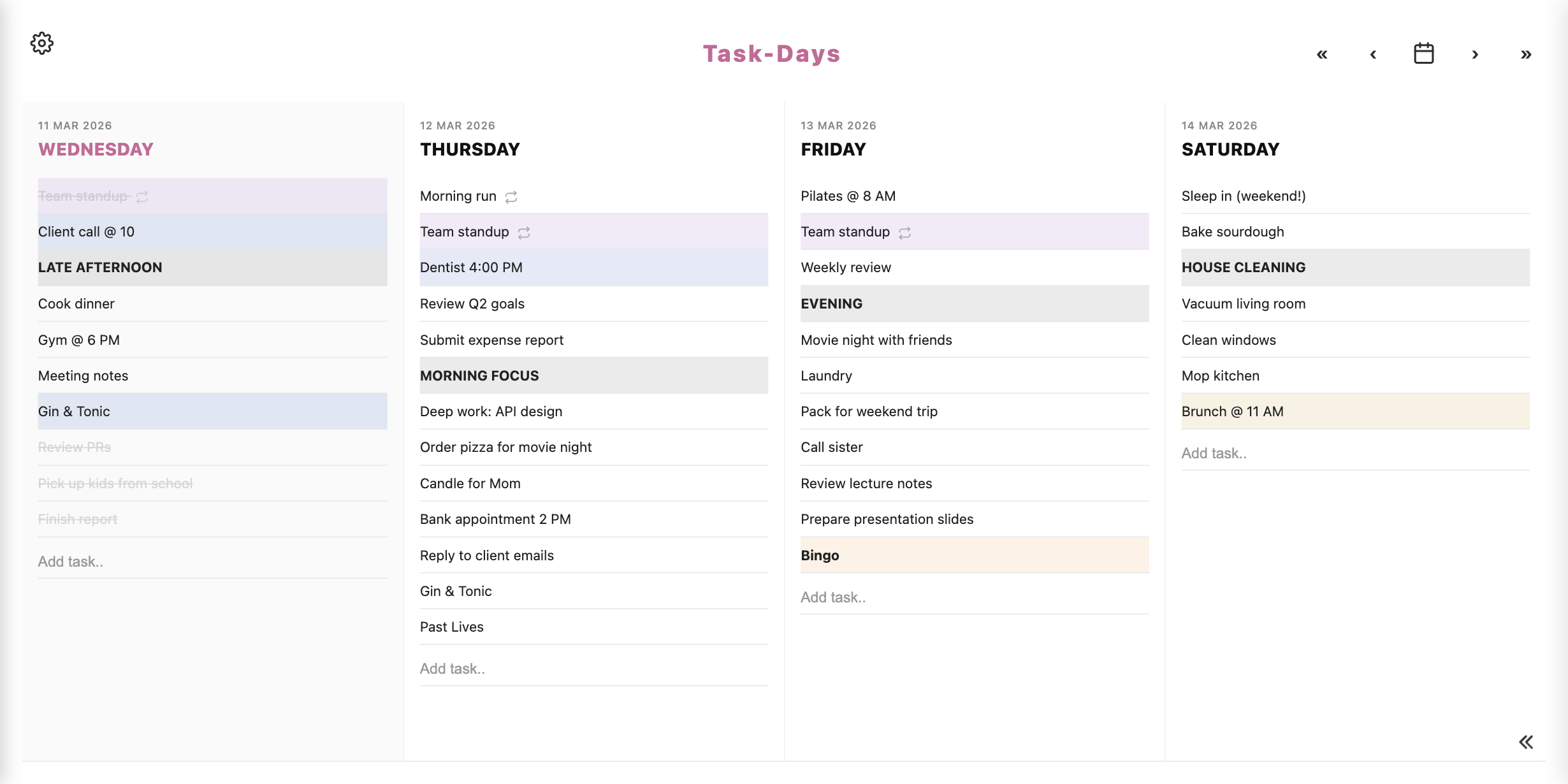
A planner that stays out of the way
Write what needs doing today. Park the rest in lists you name yourself. Switch how many days you see, how it looks, and even what the app is called.
In Settings, pick Today only, or 2, 3, 4, 5, 6, or 7 days side by side. Drag tasks between days when plans change.
Click the title at the top and rename the app (up to 30 characters). Create Not Yet lists, name them, and put them at the bottom or on the right.
The hosted site is a week on my server. After that I delete the account. Clone the repo to keep your lists. On your own instance you can Add to Home Screen.
Email and password. No Google, Facebook, or Apple. I don’t mine your tasks for ads, and I don’t run analytics on you.
Download a copy of your data whenever you want. Delete your account whenever you want. On Omarchy, local mode never sends tasks to peponi.to at all.
Classic, Lined, Graph, Vintage, and Dark. Four fonts. Eight accent colours. That’s 160 combinations, all in Settings, all included.
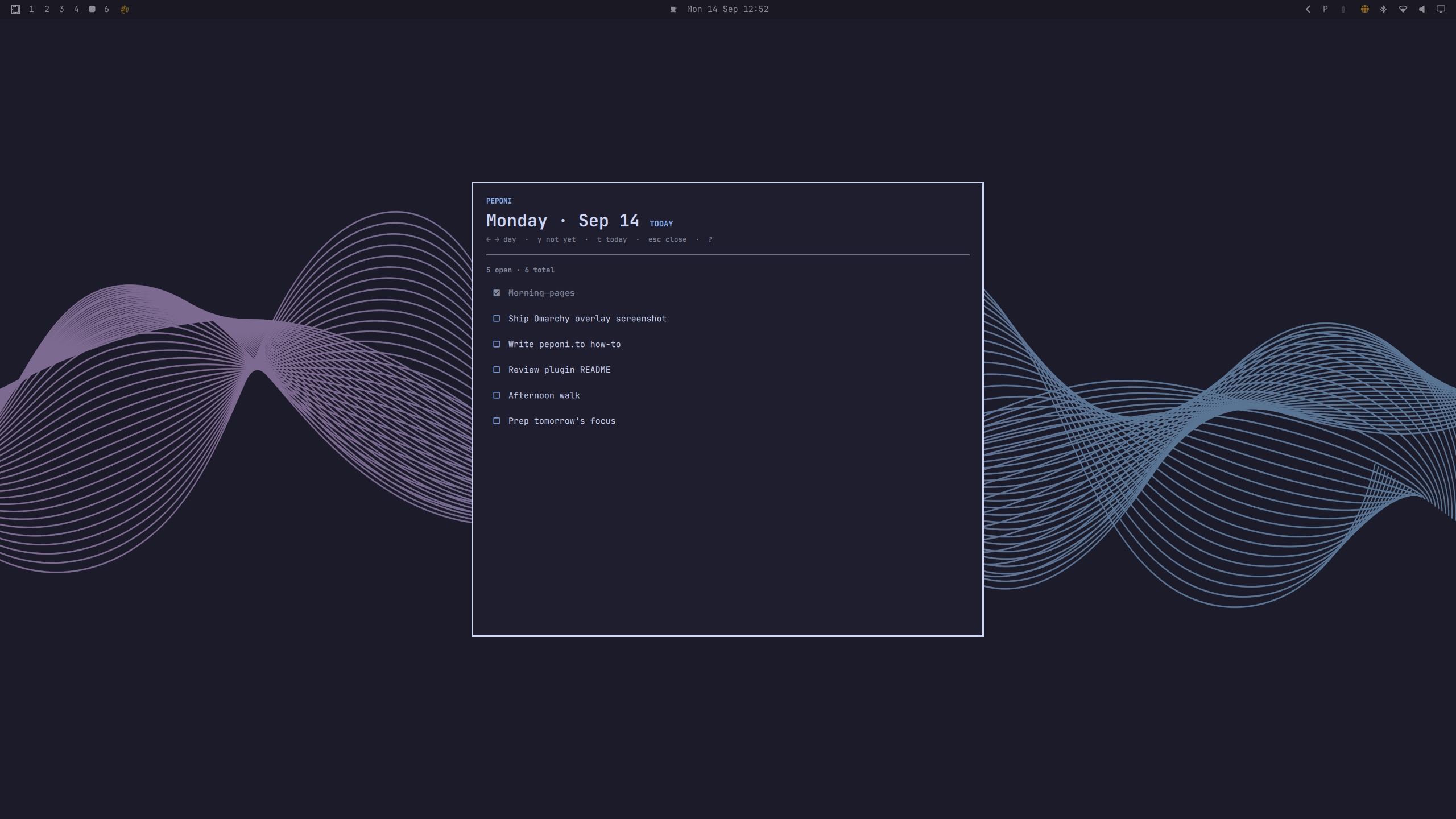
Your Focus day, on the Linux desktop
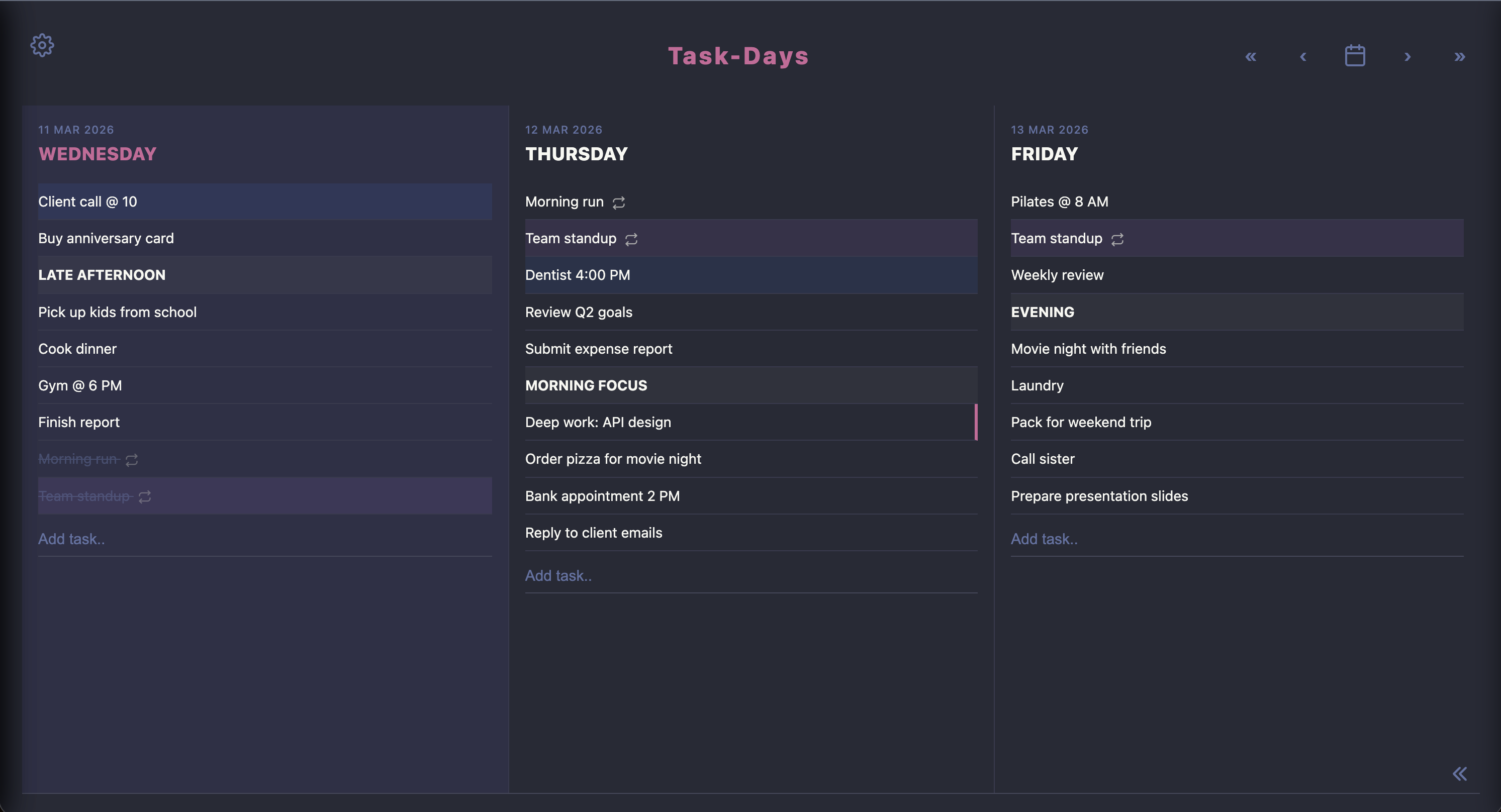
This is what I actually use. On Omarchy, stay local: tasks never leave this machine. Or sign in once during your hosted week to copy existing tasks here. After that, new work stays on this machine. Open it from the bar, step days with arrows, Not Yet with y, today with t.
No account
Tasks stay on this Linux machine. Nothing is sent to peponi.to.
Signed in once
Copy existing tasks onto this machine. After that they live here. I am not your cloud.
- One-command install for Omarchy plugins
- Start local, or sign in once if you want a snapshot of hosted lists
- Bar toggle on the left, centre, or right. Your choice
omarchy plugin add … --enable
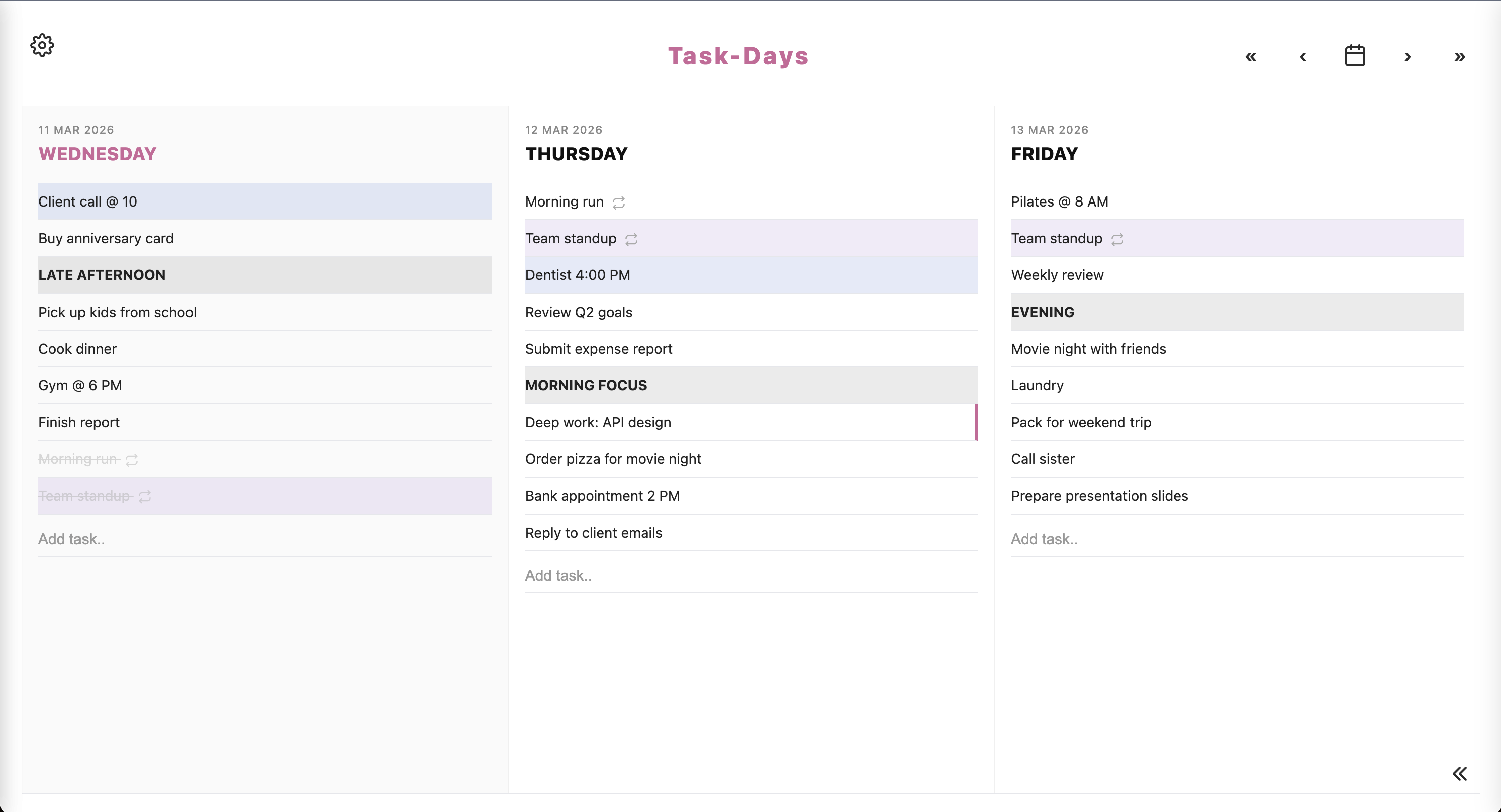
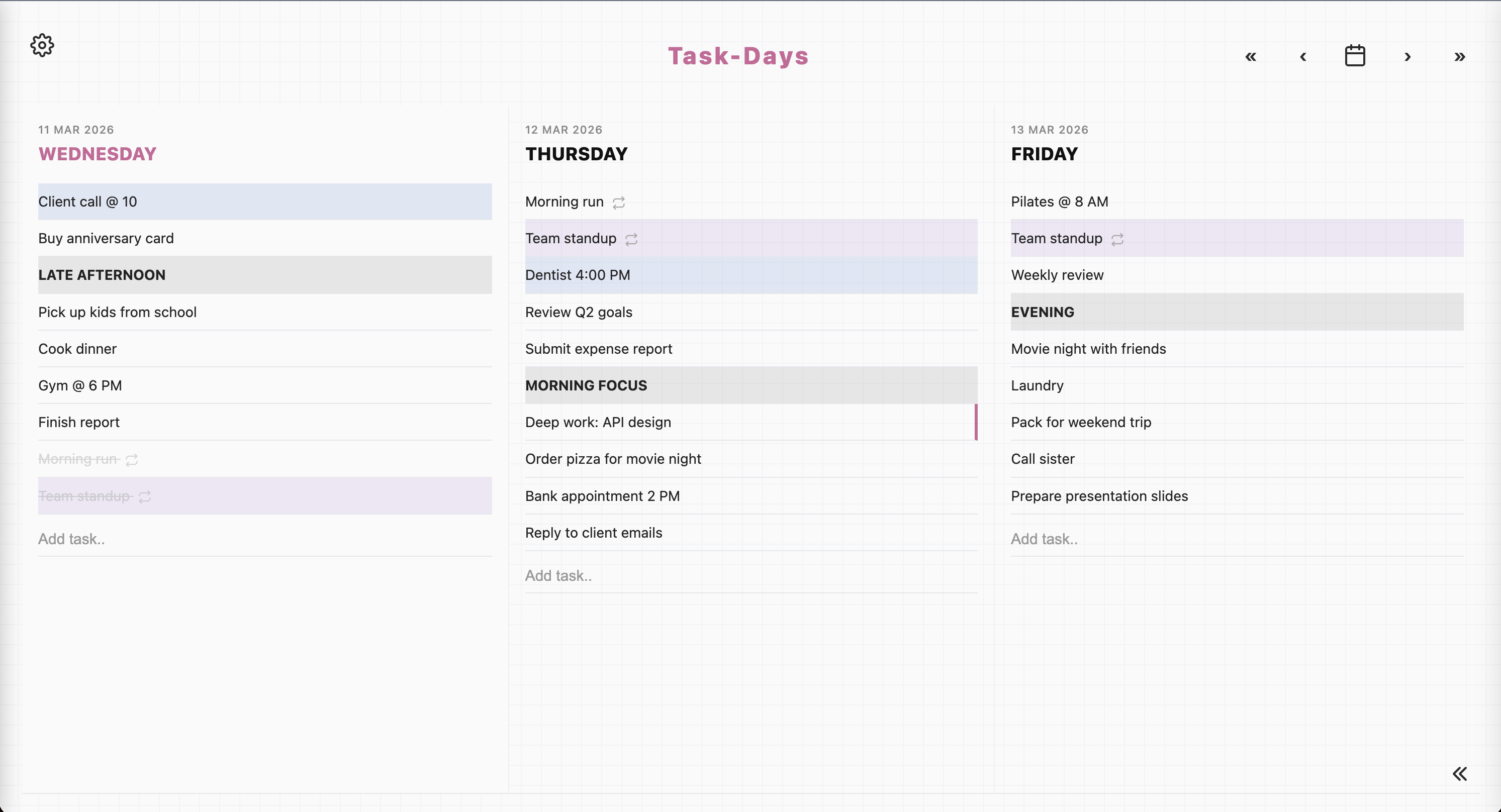
Pick a look, then tweak it
Five themes, four fonts, eight accent colours. 160 combinations.
Classic, Lined, Graph, Vintage, Dark. Change them in Settings whenever you like.
I collect as little as I can
No ads. No tracking pixels. No “sign in with” buttons that phone home to someone else. You can export or delete everything from Settings.
No social logins, no big-tech tracking. Your notes are yours, not Google’s or Facebook’s.
MIT. Clone the repo. Your SQLite file is the data. That is how you keep it.
Self-host, or use the Omarchy overlay. A PWA against peponi.to is only a shortcut to my server for that week.
No banners, no upsells inside the planner, no push notifications nagging you. Just your list.
Ready to organise your days?
Try it here for a week. Then I delete the account.
Keep it by running it from source.
No payment · MIT · Built for myself