How to use Peponi.to
Open it, write a task, that’s it. The rest (themes, lists, how many days you see, even the app’s name) is in Settings, or a click away.
Three things you’ll do on day one
Add a task to a day
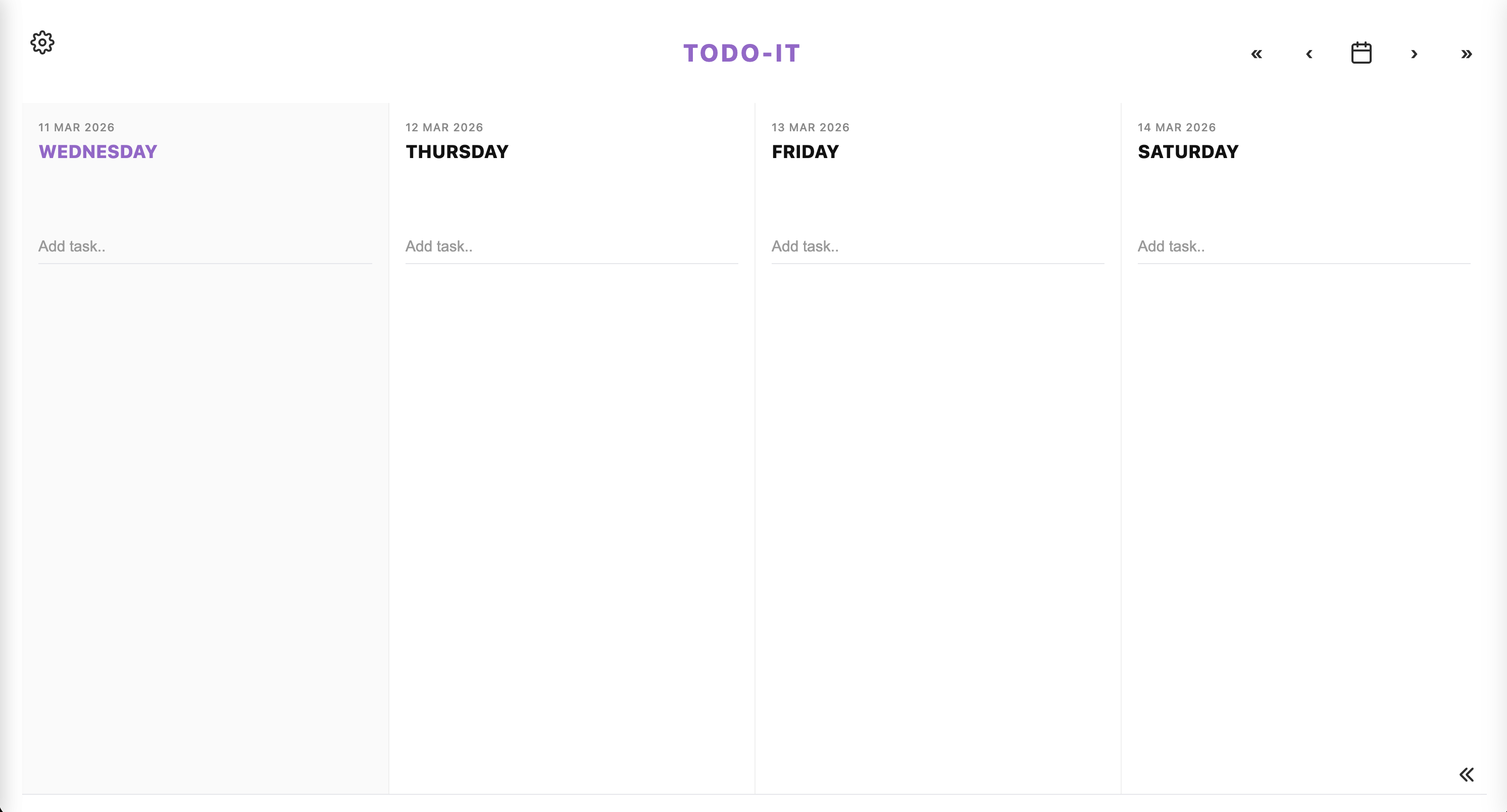
Each column is a day. Click “Add task..” in the middle of a column and type. Press Enter. That’s a task on that day.
Hover (or tap) for options
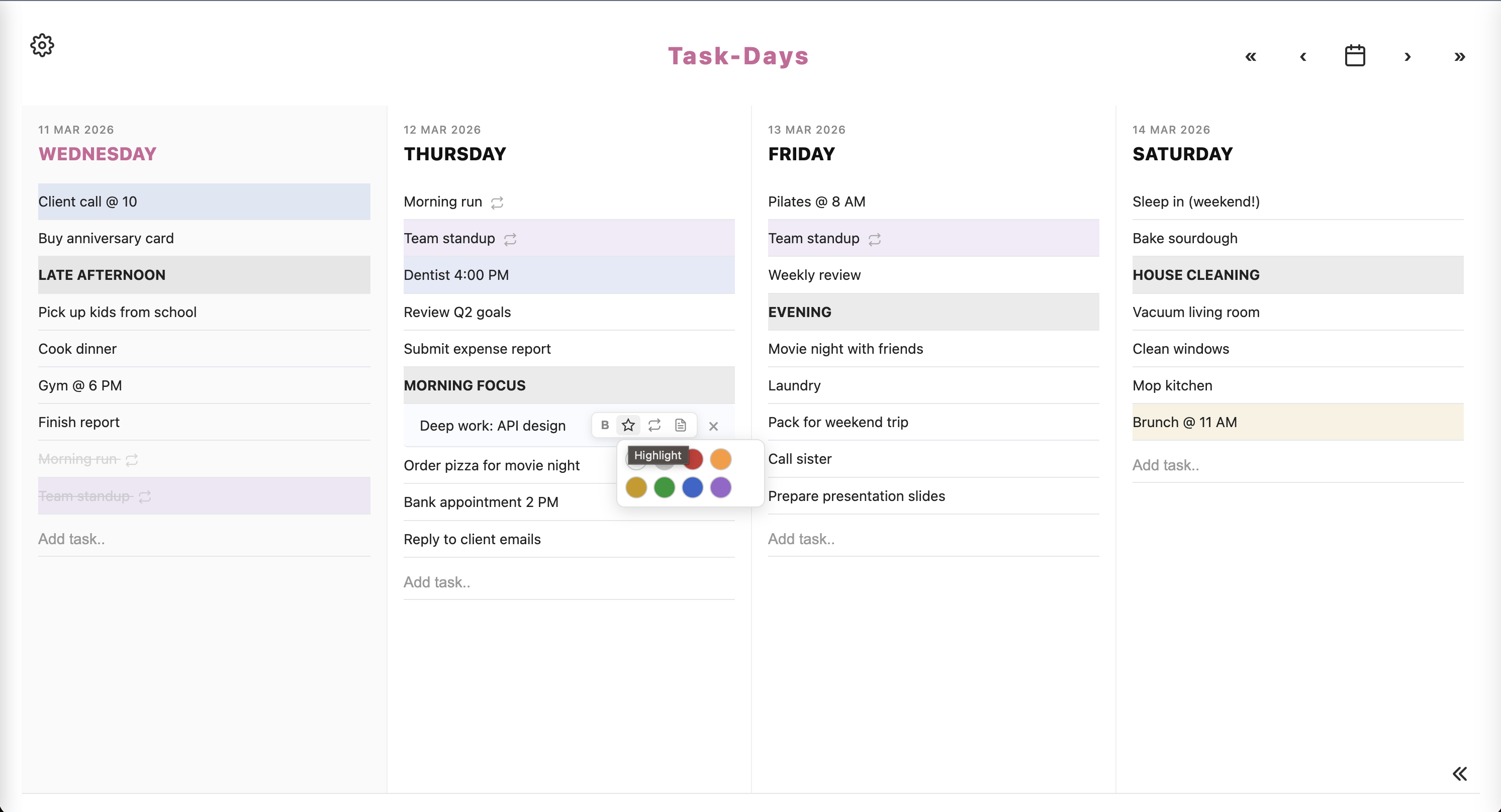
Hover a task on desktop, or tap it on a phone, to mark it done, make it bold or starred, set it to repeat, or open notes. Notes can hold extra detail, sub-steps, links, and images.
Drag it where it belongs
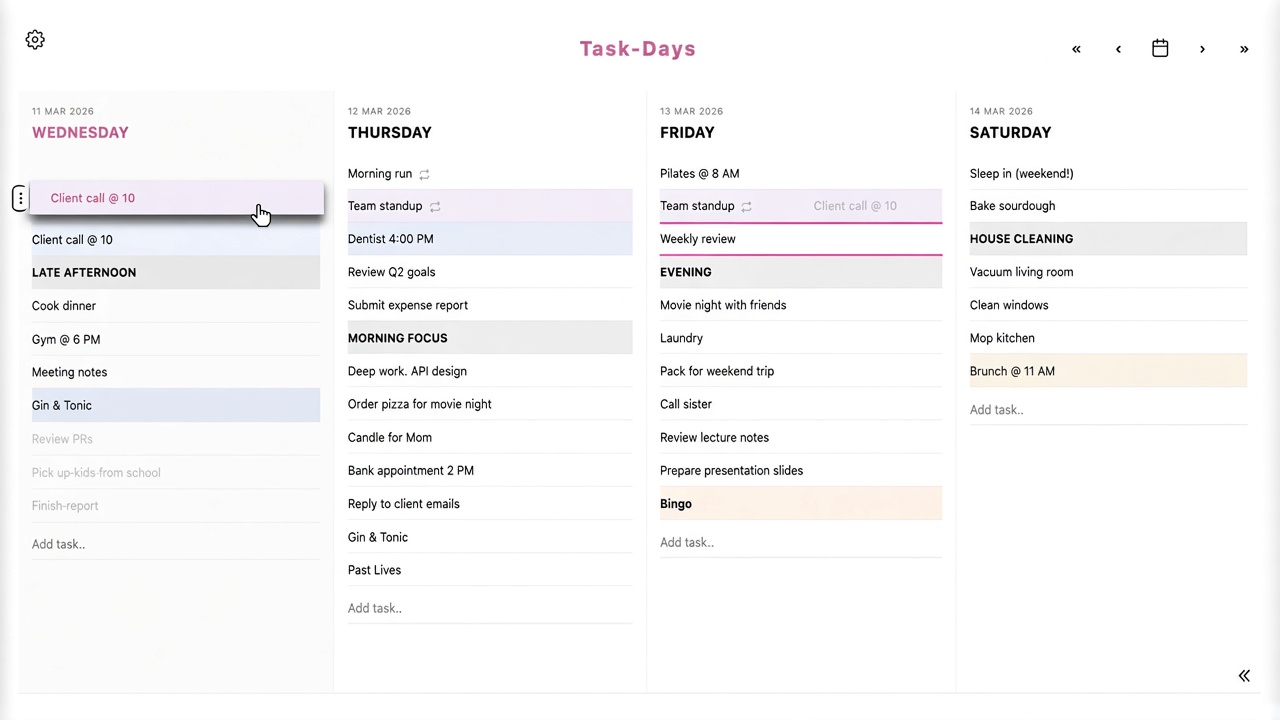
Grab the ⋮⋮ handle to reorder tasks, or drag them onto another day. Changes save as you go.
Rename the app
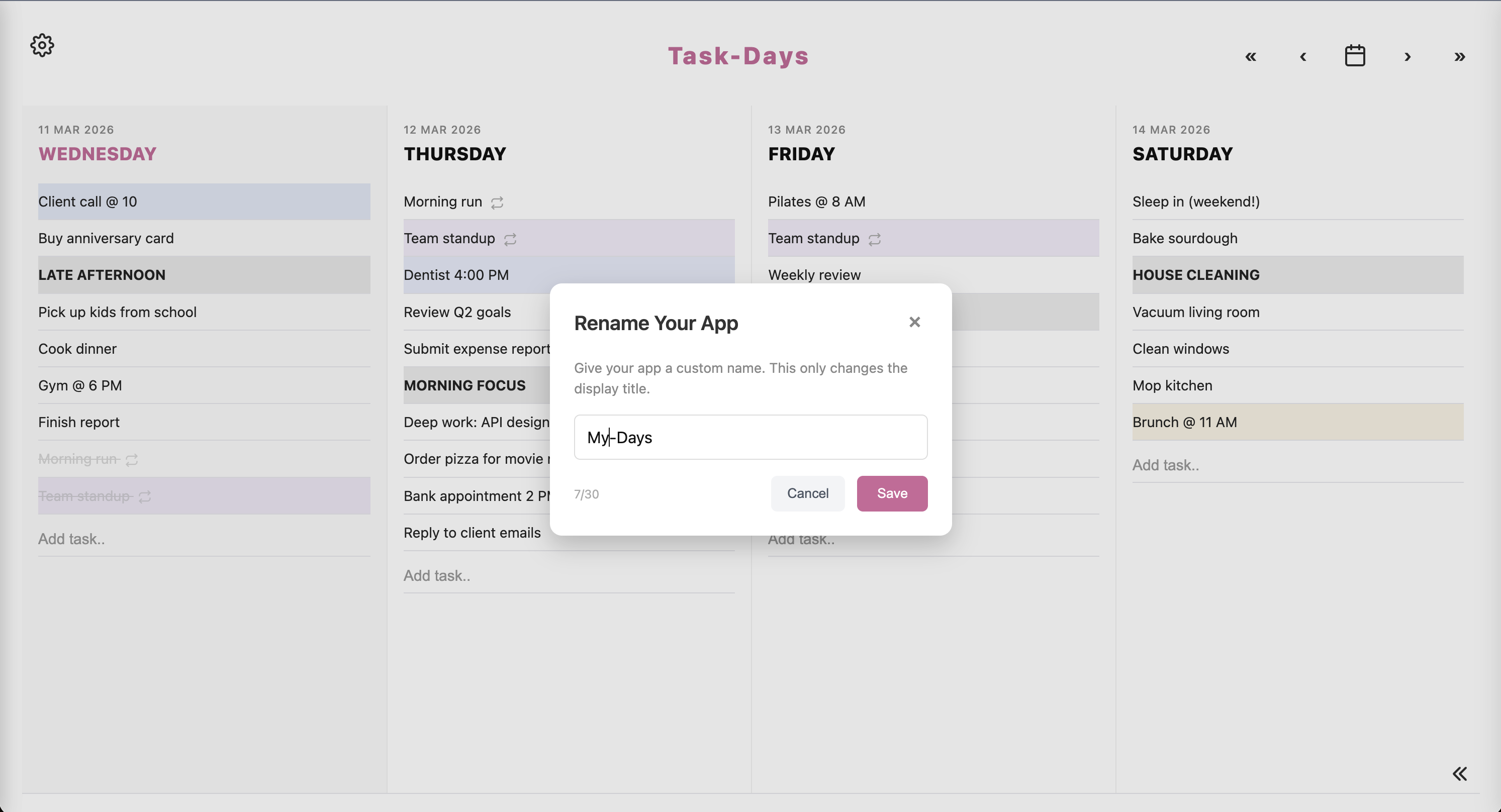
The name at the top of the planner is yours to change. Click it, type something else (up to 30 characters), and save. Call it Peponi.to, your nickname, the name of your studio, whatever you actually want to see every day. This only changes the title on screen. It doesn’t change your account or the website address.
Choose how many days you see
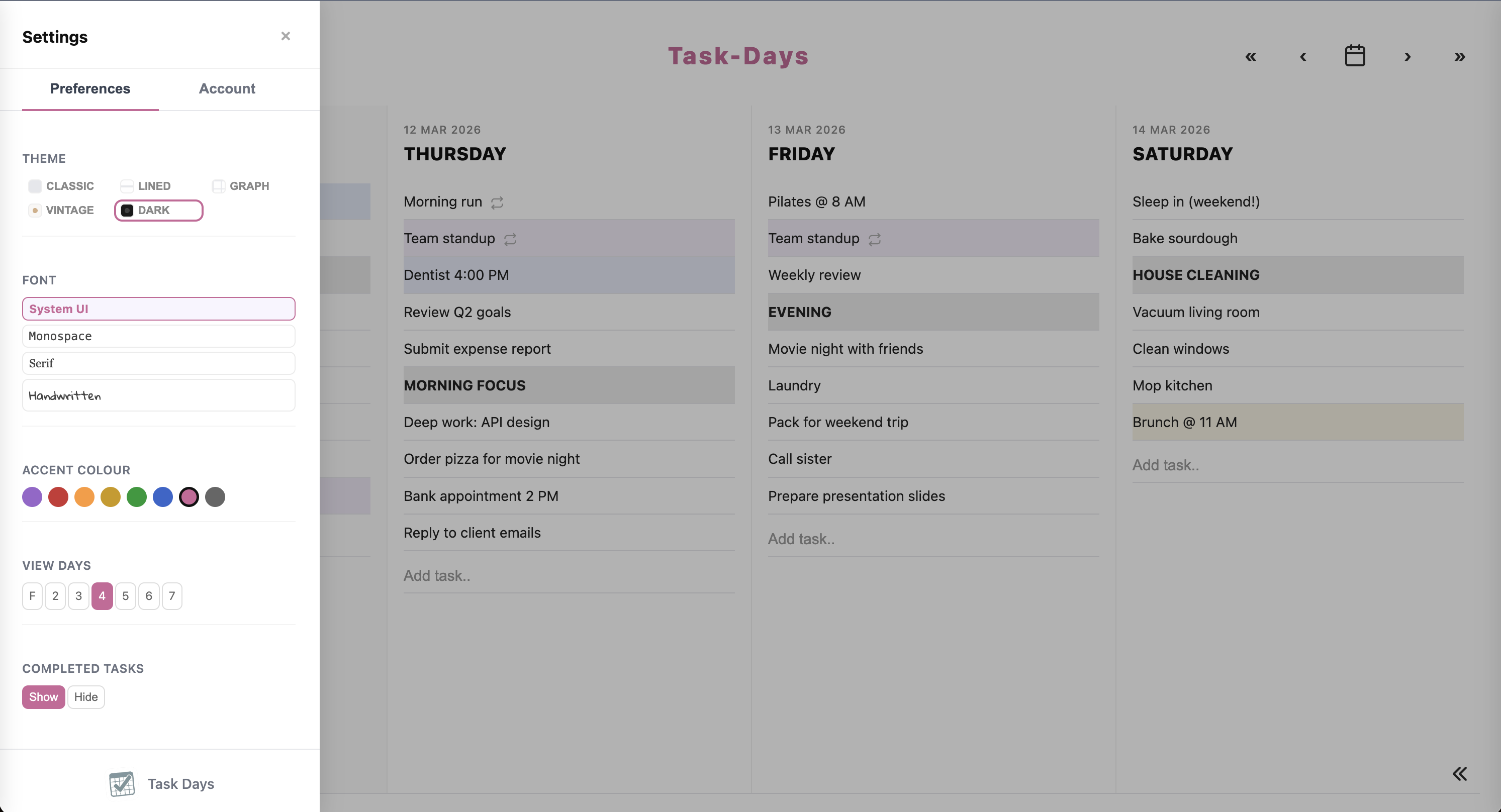
Open Settings (the cog, top left). Under View Days, pick T for Today only, or 2, 3, 4, 5, 6, or 7 days. Today mode also has a simple timer (15, 25, or 45 minutes) if you want a focus session.
What’s in the cog
One panel. Preferences on the first tab, your account on the second. Press s to open it, or ? for the full shortcut list.
Preferences
- Theme: Classic, Lined, Graph, Vintage, Dark
- Font: System UI, Monospace, Serif, Handwritten
- Accent colour: eight swatches
- View days: Today, or 2 through 7
- Show or hide completed tasks
- Roll unfinished tasks to the next day when you open the app
- Lists placement: bottom of the screen, or a panel on the right
Account
- Name, email, password
- Export your data before the hosted week ends
- Sign out, or delete the account
- Clone the repo if you want to keep it
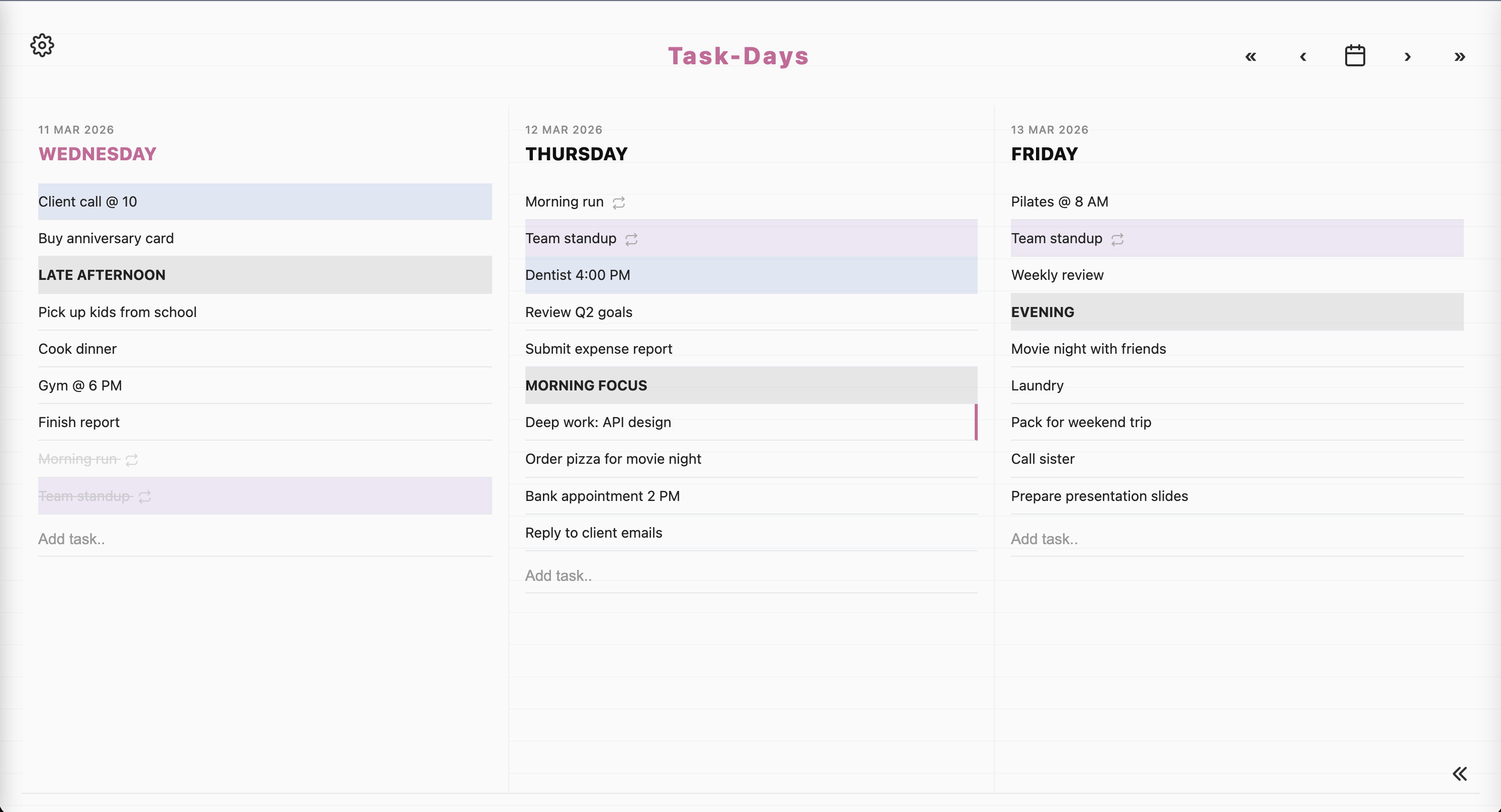
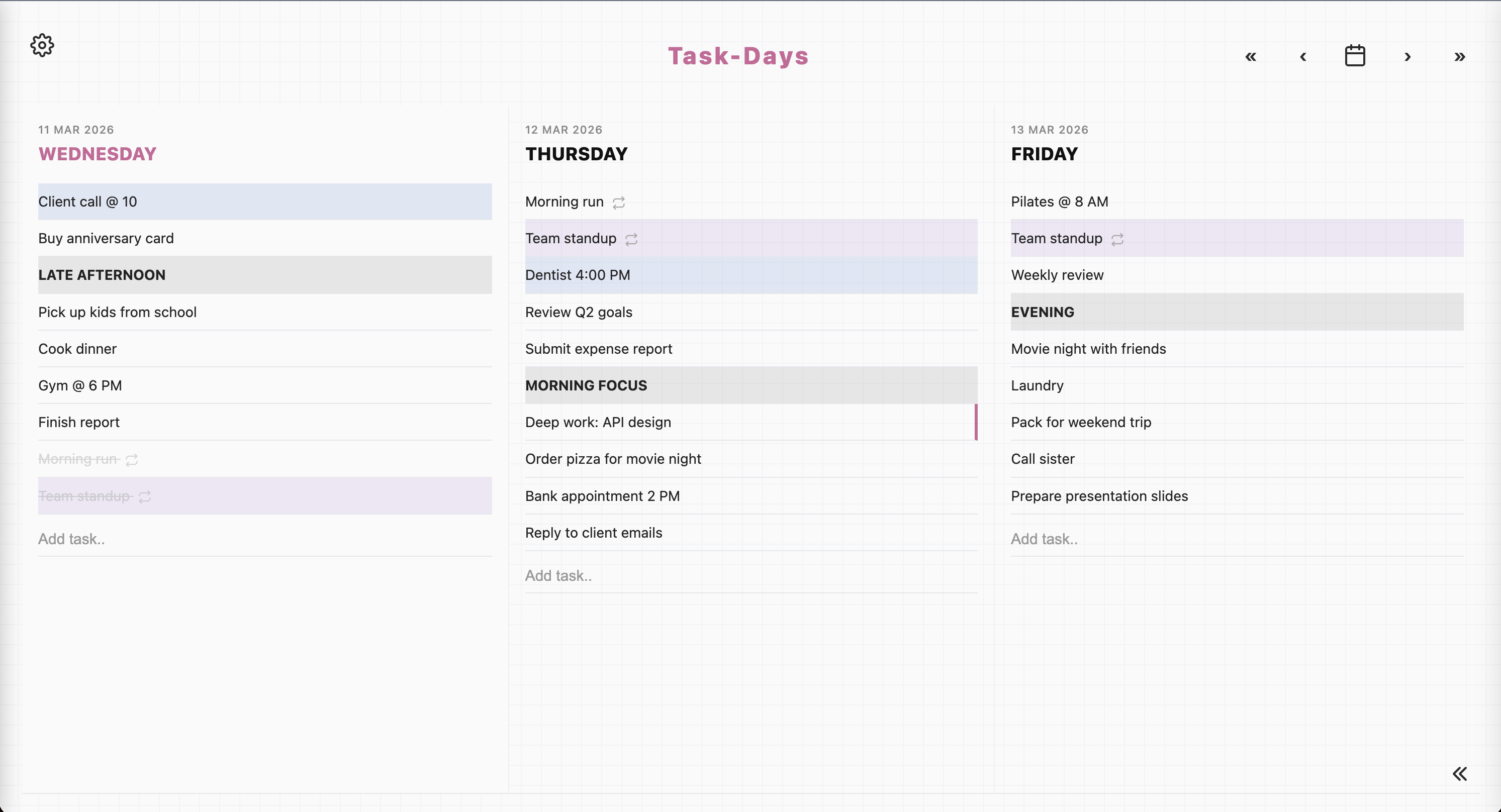
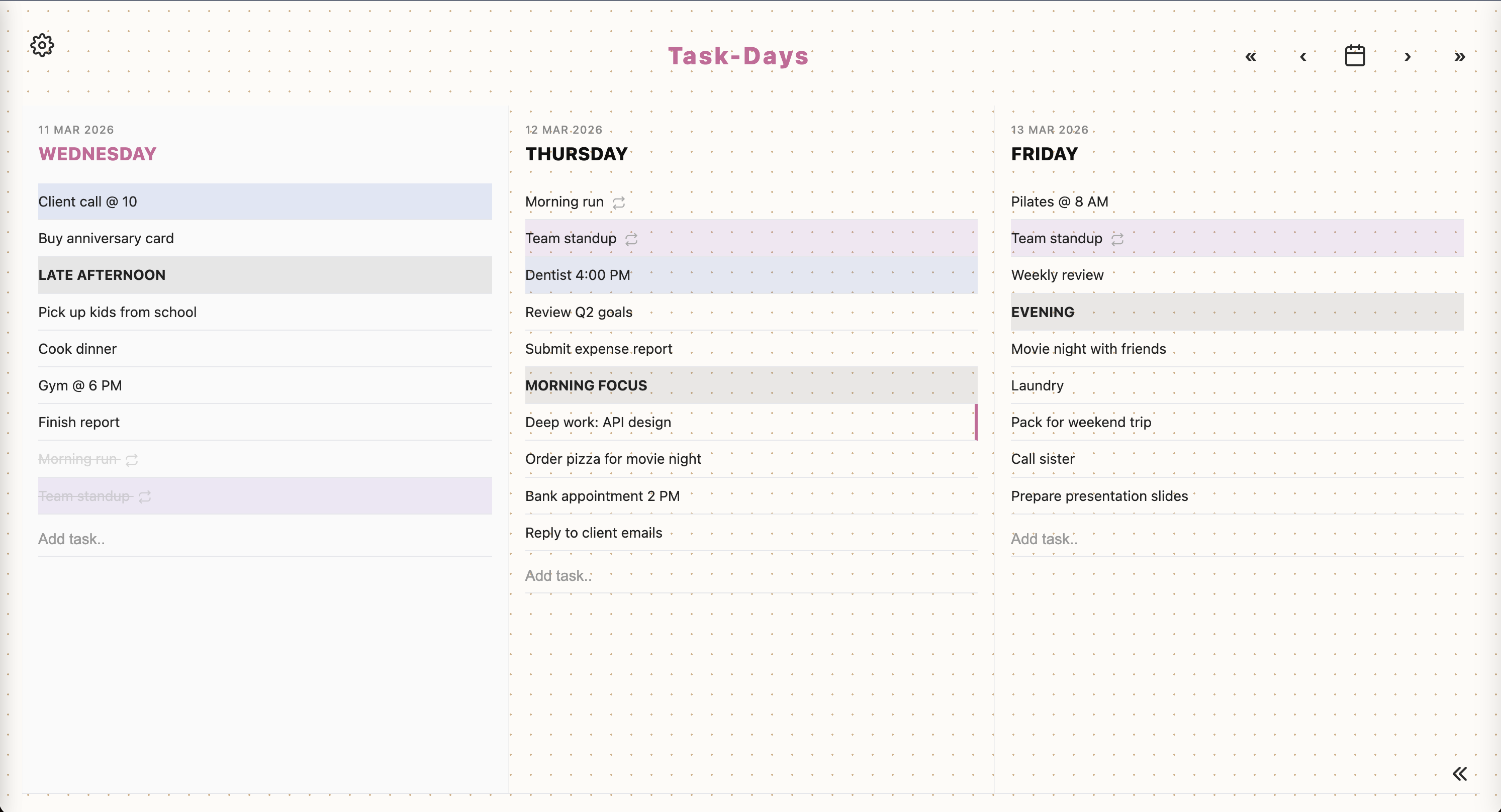
Five themes, mix as you like
Classic, Lined, Graph, Vintage, Dark. Pair any of them with a font and an accent colour. 160 combinations, all included.
Jump to a date
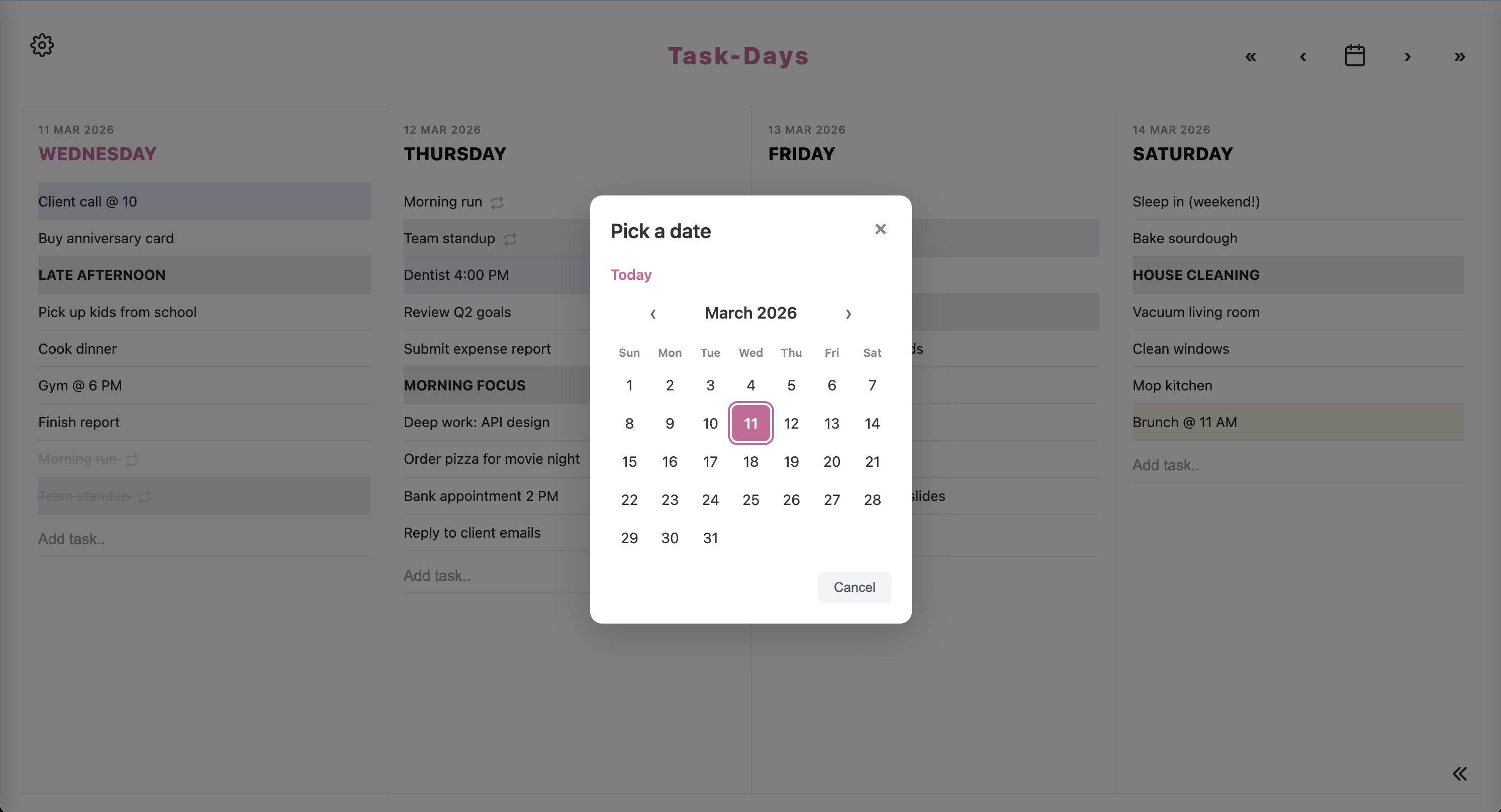
Use the arrows for the previous or next day (or Shift plus arrows for a week). Press c, or tap the calendar icon, to pick any date. You can also drag a task onto another day.
Repeat a task
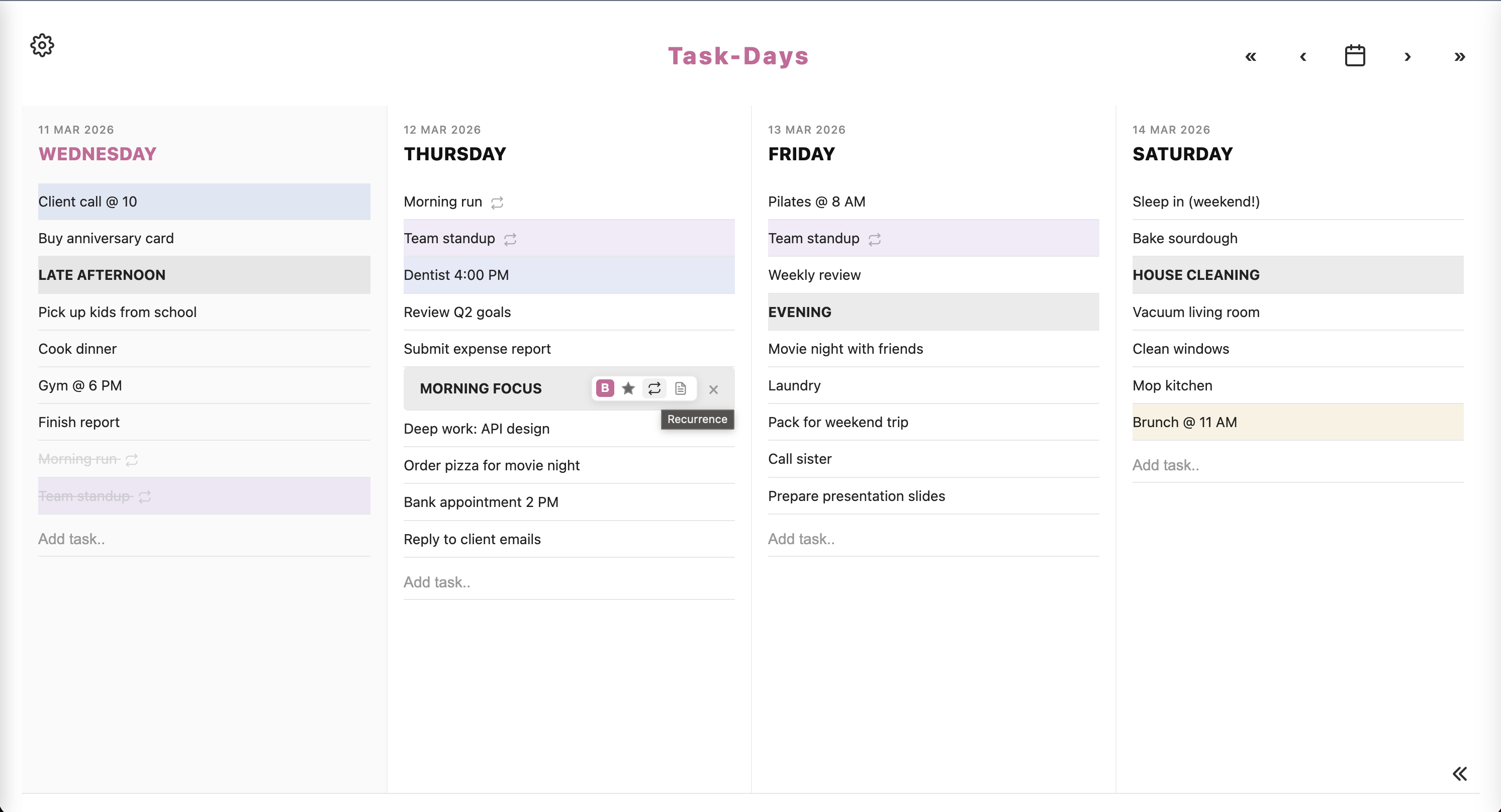
From the task toolbar, set something to repeat daily, weekly, or on days you choose. Handy for habits, stand-ups, bins, anything that comes round again.
Add detail when you need it
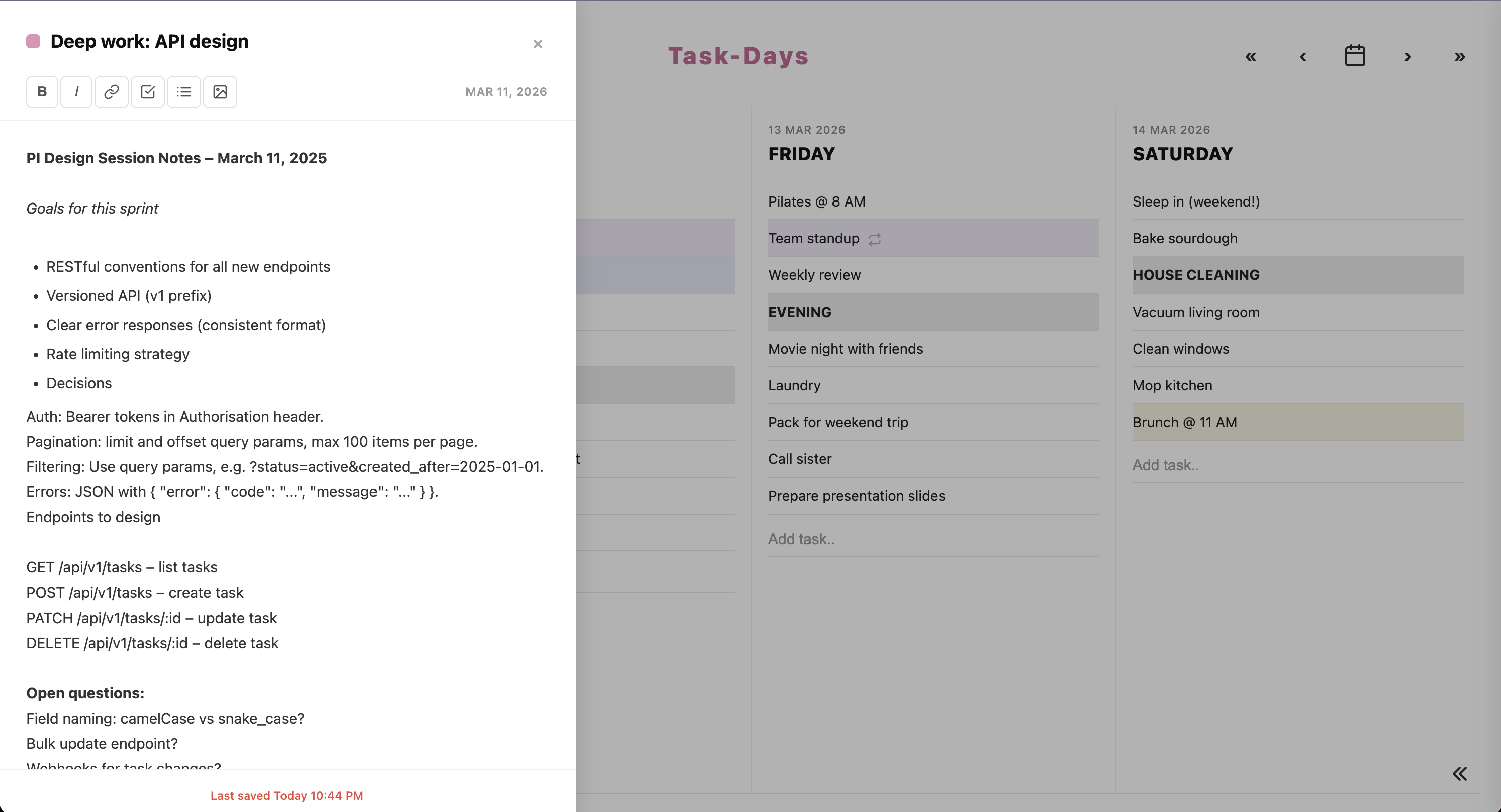
Open notes from the toolbar. Write extra context, tick off sub-steps, drop in a link or a photo. The main list stays short; the detail is there when you open it.
Park it for later
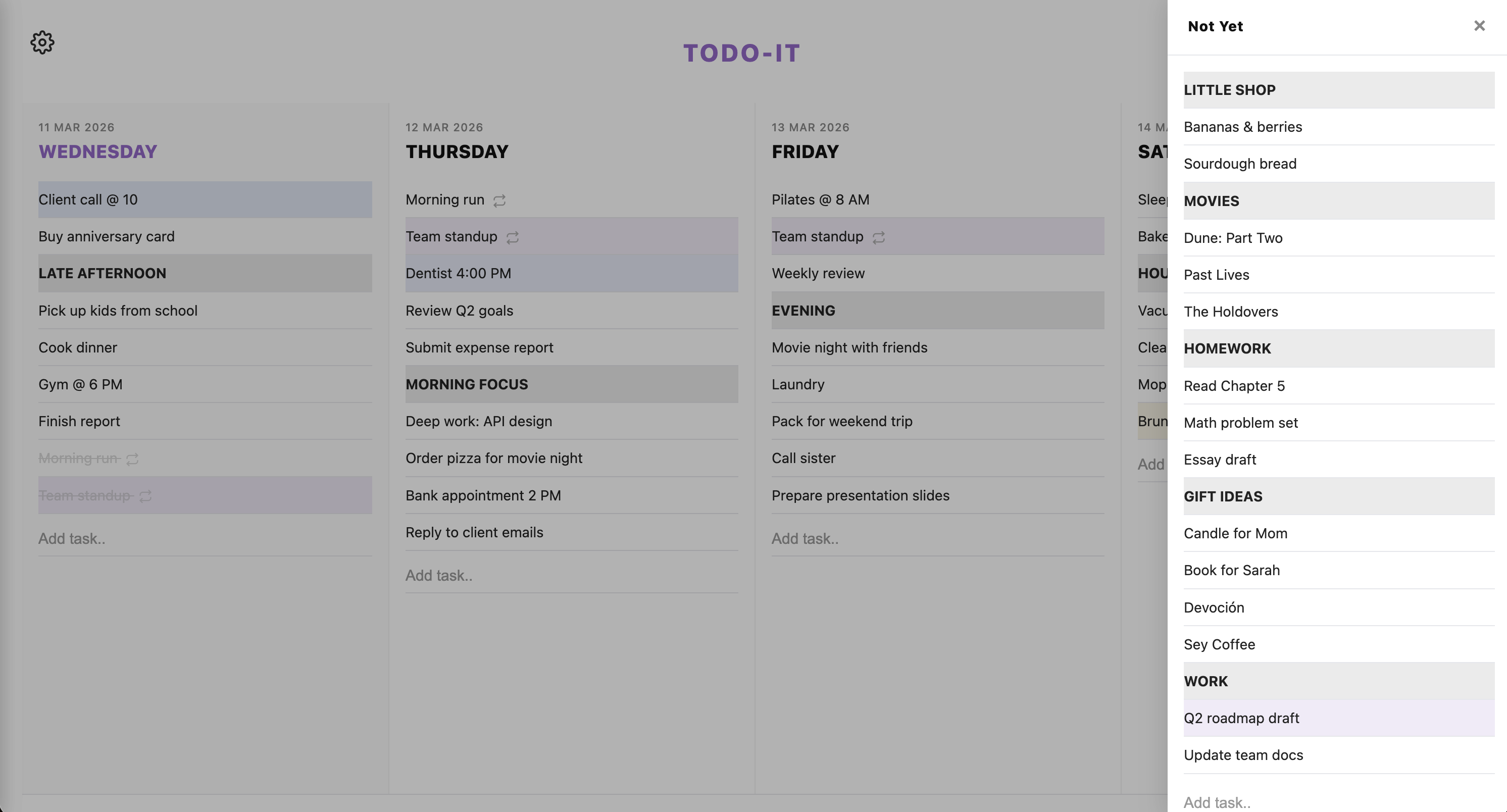
Not ready for a day? Put it in a list. Create as many lists as you like, click a tab to rename it (Not yet, At some point, Shopping, whatever you actually use), and choose in Settings whether lists sit at the bottom or slide in from the right. Press y to open them, Shift+n to make a new list while they’re open.
A list you can name yourself
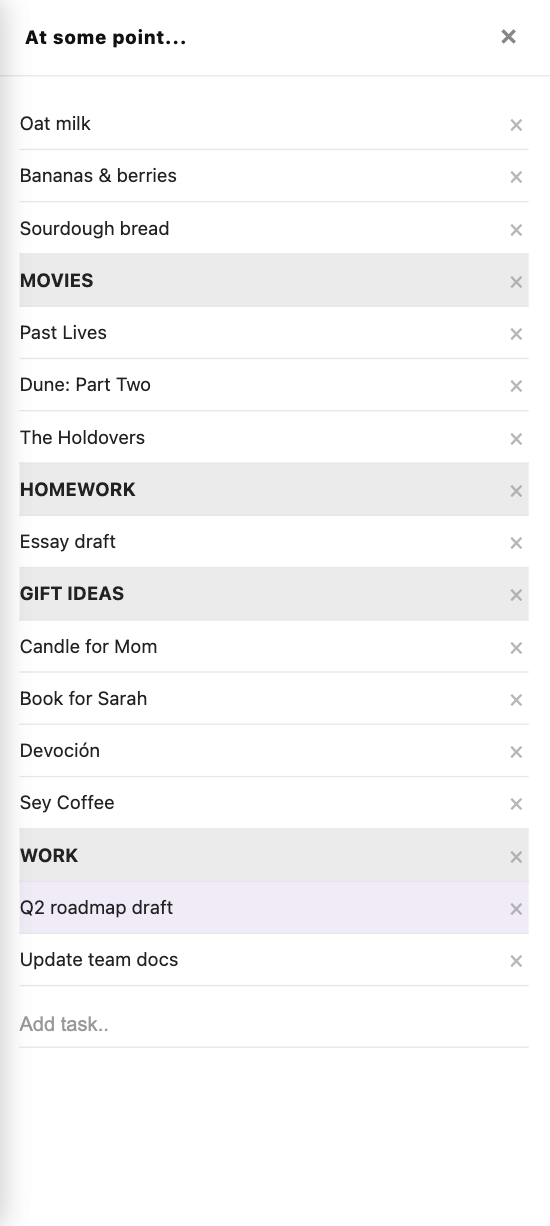
As many lists as you need
Pick your font
System UI, Monospace, Serif, or Handwritten. Change it in Settings. Same place as themes and accent colour.
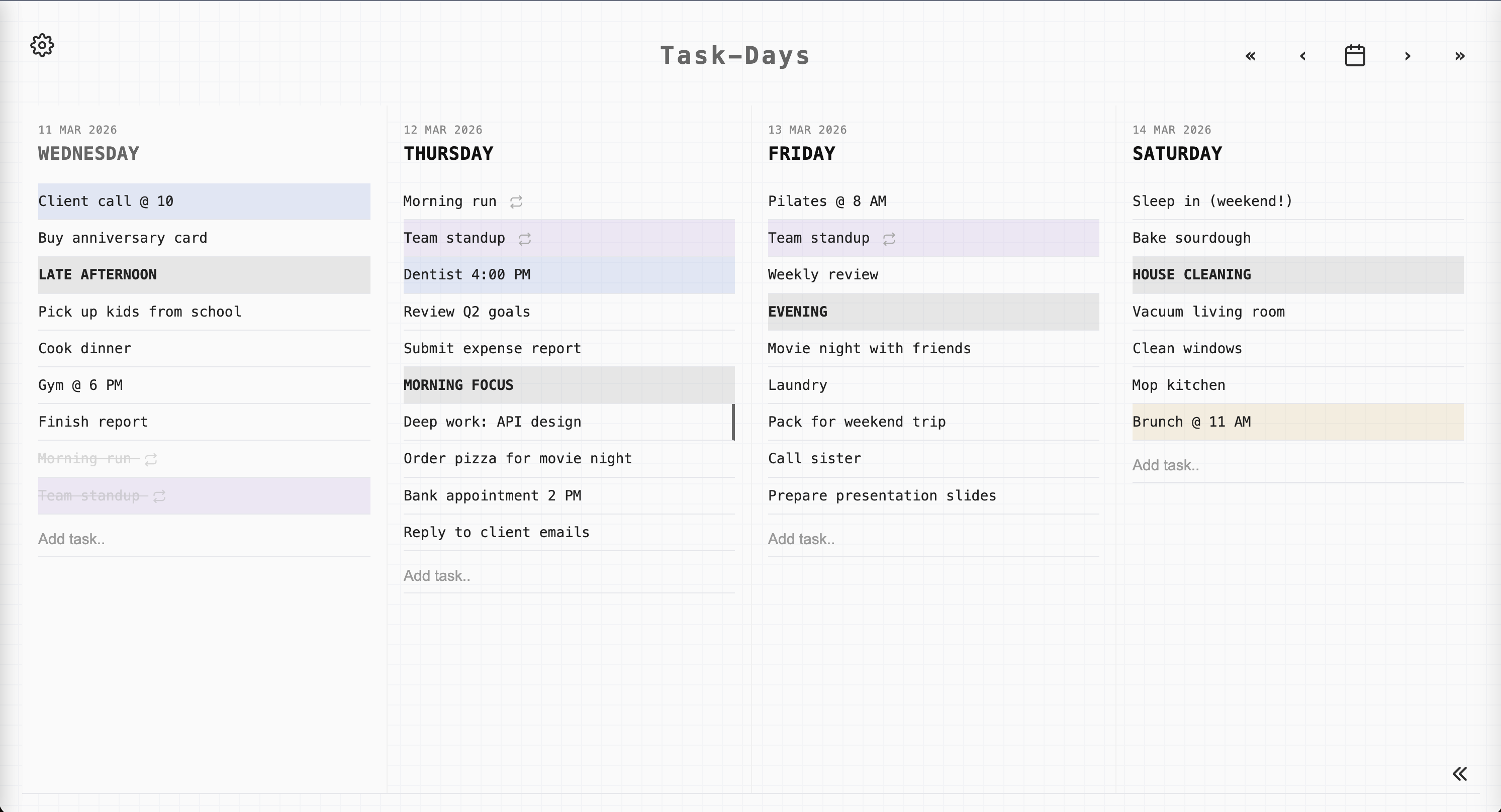
Shortcuts, if you want them
They work when you’re not typing in a field. Press ? in the app to see this list anytime.
| Key | Action |
|---|---|
| n | New task |
| Shift+n | New list (when Not Yet is open) |
| y | Toggle Not Yet |
| s | Open Settings |
| t | Go to Today |
| ← / → | Previous / next day |
| c | Calendar |
| x | Show or hide completed tasks |
| Esc | Close a panel or modal |
Export, then run it yourself
The hosted site is a week on my server. Export your lists from Settings, then clone the repo. On your own instance you can Add to Home Screen. I am not a cloud for your todos.
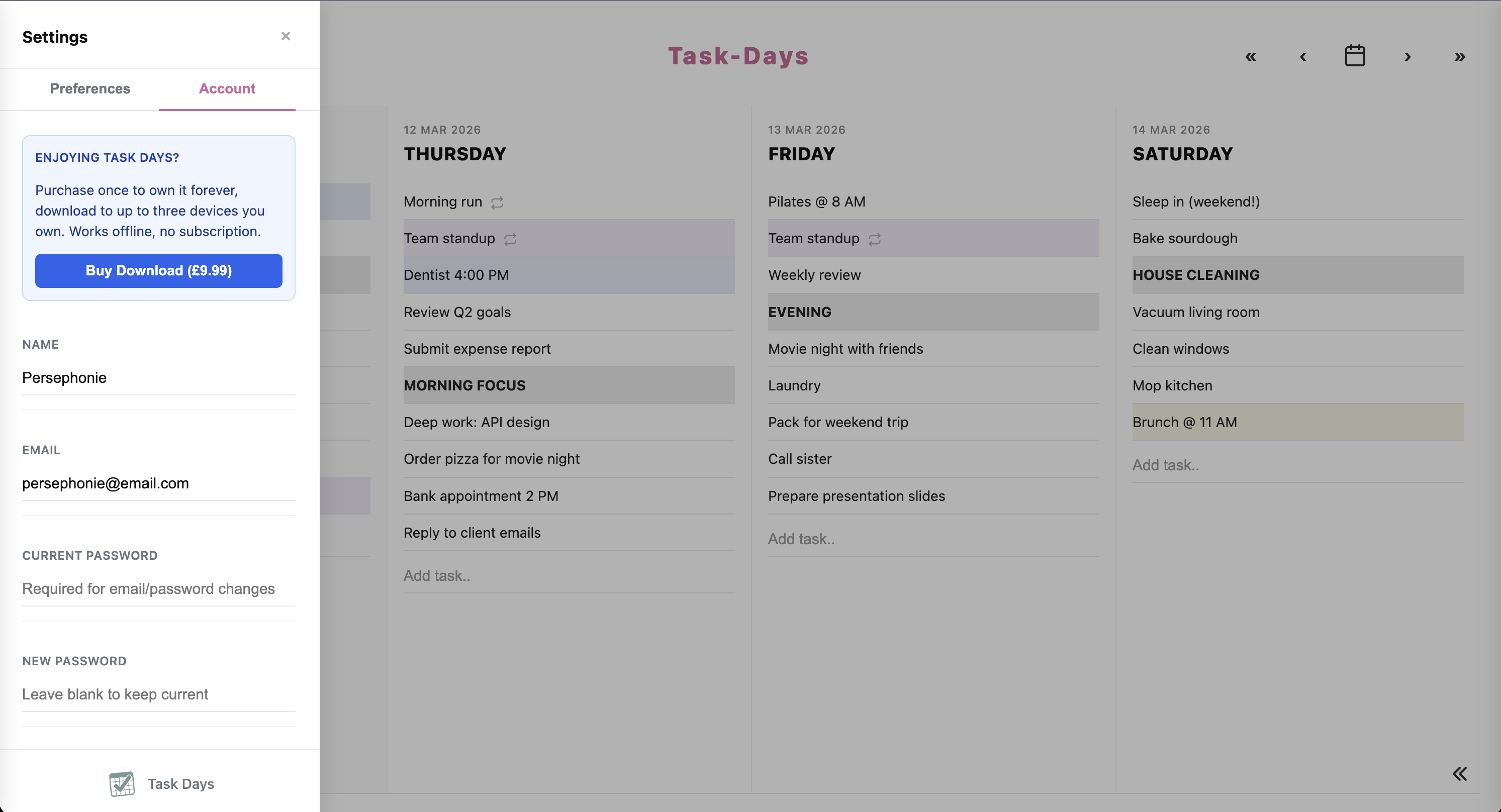
Works on your phone
Add tasks, open the calendar, swipe through days. On your own instance you can install it as a PWA so it sits on your home screen. A shortcut to peponi.to only lasts for the hosted week.
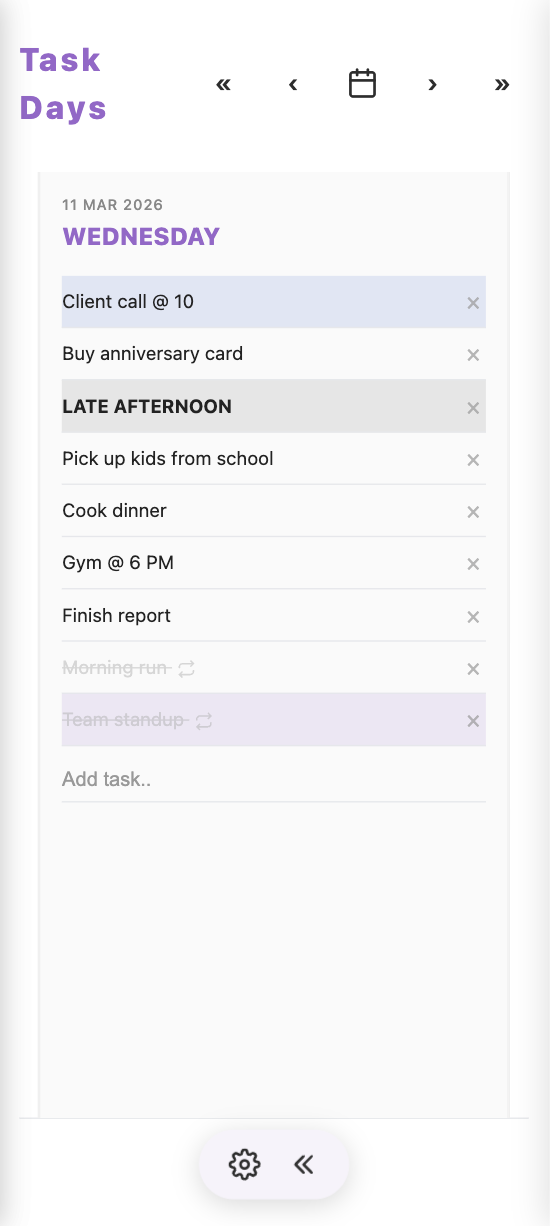
App on phone
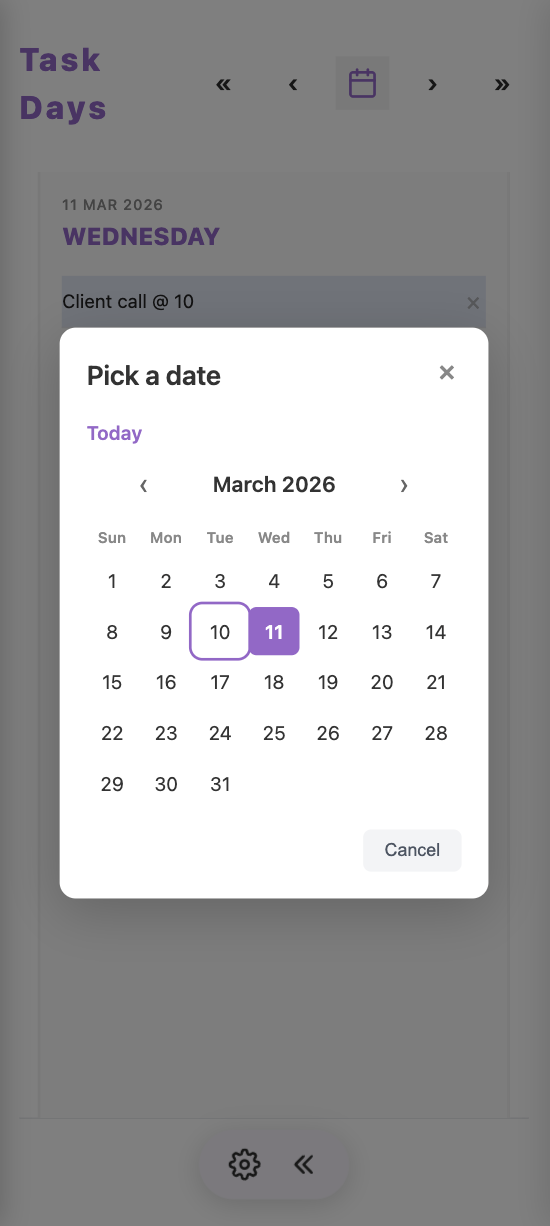
Calendar on mobile
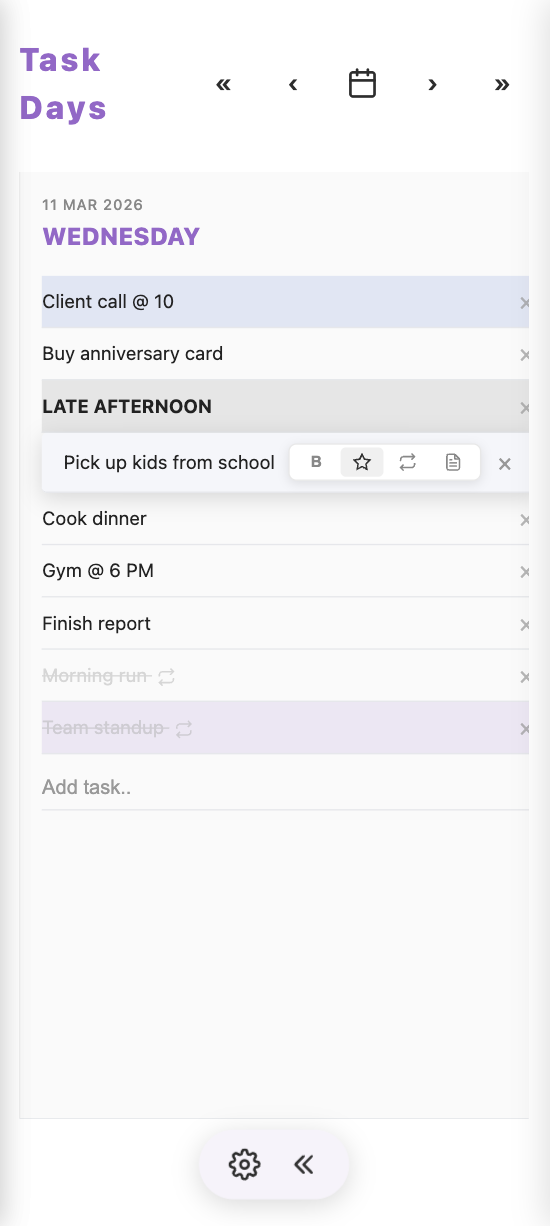
Tap to add
Your app, on your device
On your own instance, install Peponi.to as a Progressive Web App. Full screen, no browser chrome, launches from your home screen or dock. On peponi.to that shortcut still talks to my server, and the account is deleted after a week.
After payment, click “Download App” from your account page.
Open the file in Safari (iOS) or Chrome (Android).
iOS: Tap share → “Add to Home Screen”
Android: Tap menu (⋮) → “Add to Home Screen”
Tap the icon. It opens full screen, without the browser around it.
After payment, click “Download App” from your account page.
Open the downloaded file in Chrome, Edge, or Safari.
Look for the install icon (⊞) in the address bar, or use the browser menu and choose “Install app”.
Find it in Applications or your dock and open it like any other app.
Why bother installing?
From your home screen or dock. Works offline after install.
No app store. You install it yourself, on up to three devices.
No browser tabs around it. Feels like a normal app.
Use Peponi on your Linux desktop
This is what I actually use. On Omarchy, stay local with no account, or sign in once to copy hosted tasks onto this machine. Same keyboard-first Focus day either way, opened from the bar.
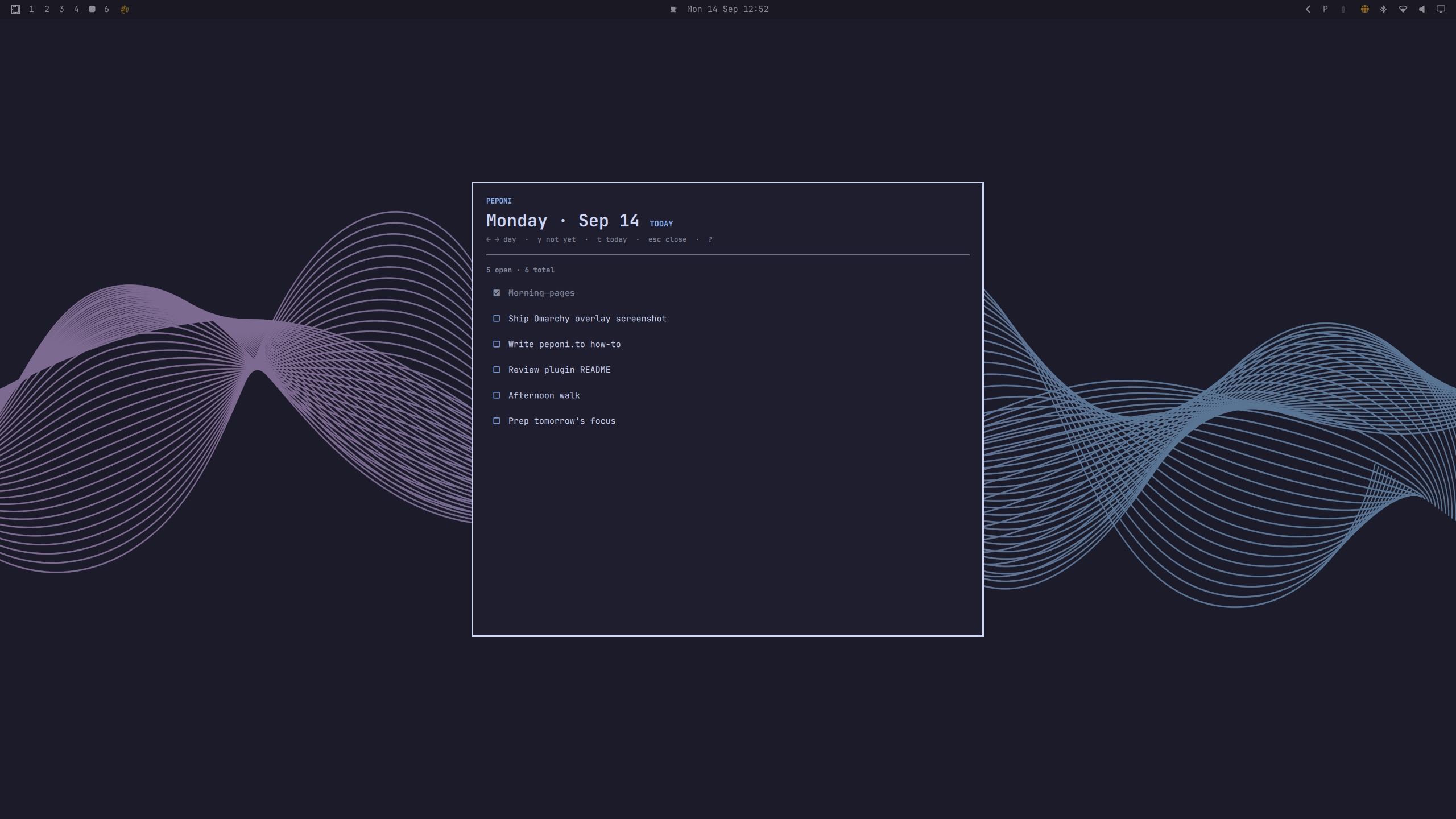
Install the plugin
On an Omarchy machine, add the plugin in one command. Omarchy will ask where to put the bar toggle: left, centre, or right. You can start using it locally right away.
omarchy plugin add https://github.com/Nikolaos-Gkionis/peponi-omarchy.git --enableOptional, sign in once (copies your existing tasks onto this machine):
~/.config/omarchy/plugins/peponi.one-day/scripts/setup.shNo account
Skip sign-in. Tasks stay on this machine. Nothing is sent to peponi.to.
Signed in once
Run setup with your peponi.to email and password during the hosted week. I copy your existing tasks onto this machine; new work stays here.
Open your Focus day
Click the P icon on the Omarchy bar, or run:
omarchy-shell shell toggle peponi.one-day '{}'Optional global shortcut (if you accepted binds during setup): Super+Alt+O
- Overlay matches your Omarchy theme
- Shows today’s tasks from this machine (free local, or a copy after paid sign-in)
- Right-click the bar icon to refresh
Navigate with the keyboard
While the overlay is open it takes exclusive focus, like a small TUI on your desktop.
| Key | Action |
|---|---|
| ← / → | Previous / next day |
| y | Toggle Not Yet drawer |
| t | Jump to today |
| ↑ / ↓ | Move in the list |
| Esc | Close drawer, then overlay |
| ? | Shortcuts help |
Global chords (optional, from setup):
- Super+Alt+O toggle
- Super+Alt+←/→ change day
- Super+Alt+Y Not Yet
Move the bar toggle
Change section anytime:
omarchy bar put peponi.one-day --section left
omarchy bar put peponi.one-day --section center
omarchy bar put peponi.one-day --section right
Sign out (paid) / uninstall
peponi auth logout
~/.config/omarchy/plugins/peponi.one-day/scripts/uninstall.sh
Or: omarchy plugin remove peponi.one-day --yes
Ready to get started?
Try it here for a week. Then run it yourself.
Try it hereMIT · No payment · Source on GitHub